
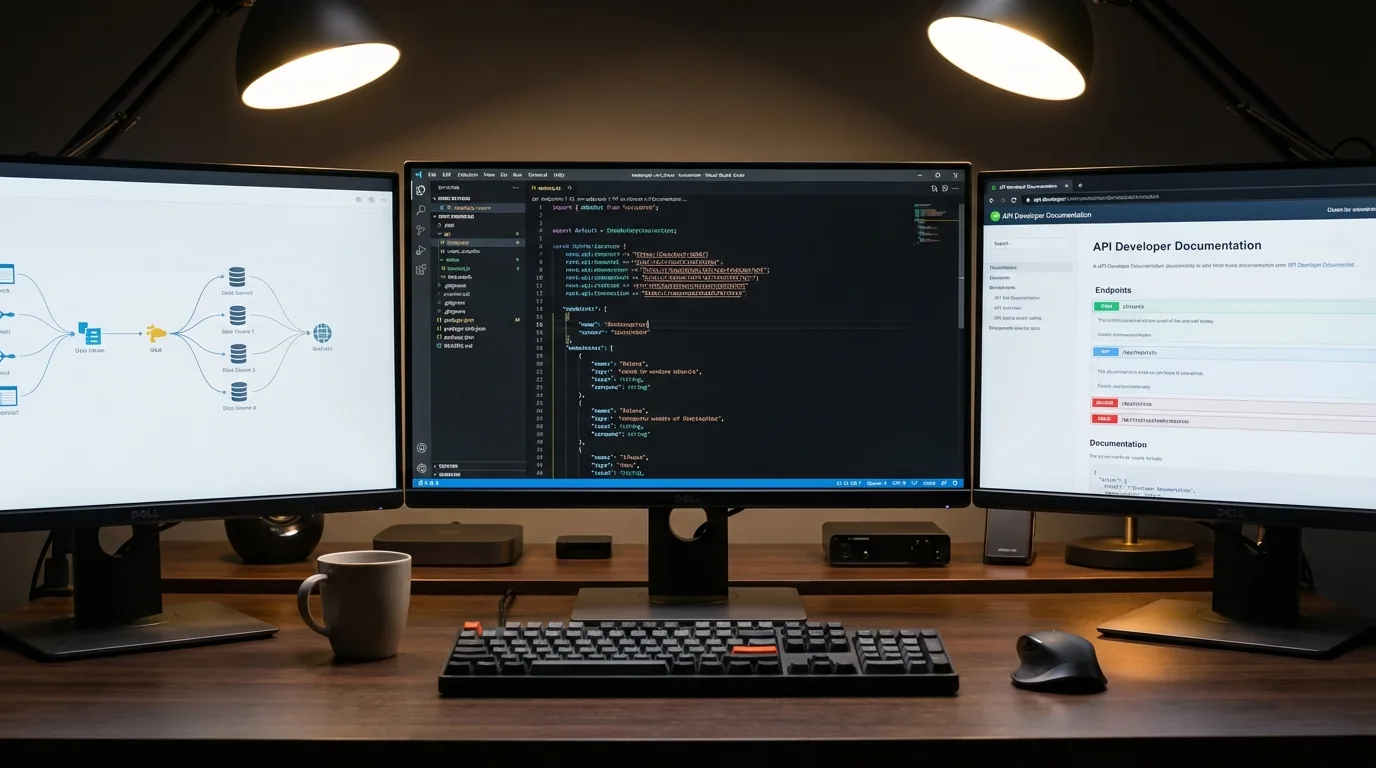
Growbud API Reference
Integrate Growbud sensor data with your tools and systems
New to the API?
Start with the quickstart guide. It includes step-by-step code examples.
Get API credentials
Generate tokens and monitor usage in the Growbud web app.
Interactive API documentation
Browse every endpoint. Inspect request and response schemas. Review parameters, response formats, and error codes.
API Explorer
Browse endpoints and view request and response schemas
Authentication & API credits
The Growbud API uses bearer token authentication. Generate and manage tokens in the Growbud web app. Each API call uses credits based on the endpoint and data volume.
API pricing
Pricing is pay as you go. Each successful request deducts a small amount from your USD balance. Paid responses include the X-API-Balance-USD header so you can track the remaining balance in code.
/api/list-sensors$0.0001
/api/thresholds (GET)$0.0005
/api/latest$0.0005
/api/query$0.0001 + $0.00001 x hours
SMS Notification$0.02
| Endpoint / Operation | Cost (USD) |
|---|---|
/api/list-sensors | $0.0001 |
/api/thresholds (GET) | $0.0005 |
/api/latest | $0.0005 |
/api/query | $0.0001 + $0.00001 x hours (max $0.0217) |
SMS Notification (non-subscribed users) | $0.02 |
When your API balance is empty, requests return HTTP 402 Payment Required with the message "API balance exhausted. Please recharge your account."
API tokens
- •Generate multiple tokens for different applications
- •Set expiration dates for security
- •Revoke tokens immediately if compromised
Credit system
- •Pay-as-you-go pricing
- •Balance shown in response headers
- •Usage analytics in the web app
Note: Create an account in the Growbud mobile app first. Then sign in at growbud.app to access API features.
API endpoints overview
GET /api/balance
Check your current API credit balance in USD.
GET /api/list-sensors
List the Growbud sensor serial numbers on your account, plus your LoRaWAN sensors in lorawanSensors.
GET /api/query
Query historical sensor data by time range. Returns JSON or CSV.
GET /api/latest
Get the most recent readings from your sensors, including device status.
GET /api/thresholds
Get the alert thresholds for your sensors and, with includeZones=true, your zones.
Thresholds are read-only in the cloud API. Change them in the Growbud app or on an Edge Server.
LoRaWAN sensors
The API serves the Climate Sensor (Dragino LHT65N) and the CO2 Sensor (Dragino AQS01-L) through the same endpoints as Growbud sensors. Only the account that claimed a sensor can read it.
- •Identify a LoRaWAN sensor by its DevEUI: 16 hex characters, for example
70b3d57ed0000002. The label serial (A2… Climate Sensor, A3… CO2 Sensor) is for information only. - •Get DevEUIs from the
lorawanSensorsarray of/api/list-sensors. Each entry hasdevEui,serial,model,name,fields,thresholdKeys,lastSeenandisOnline. - •Send DevEUIs in the
devEuisparameter of/api/query,/api/latestand/api/thresholds, for exampledevEuis=[70b3d57ed0000002]. A DevEUI inserialNumbersalso works. - •With neither list,
/api/latestand/api/thresholdsreturn all your sensors. With one list, you get only the sensors in that list. - •A LoRaWAN sensor keeps 7 days (168 hours) of history.
/api/querycuts a longerdurationto 168 hours and sets"clamped": truein that sensor's metadata. - •
/api/latestentries adddevEui,modelandthresholdSource:device(its own thresholds),zone(its zone's thresholds) ordefault(neither is set, so no alerts fire). - •Temperatures are in °F. A LoRaWAN sensor is offline after 65 minutes with no report.
Climate Sensor (LHT65N)
dragino-lht65nData: air_temp, humidity, vpd, battery_level. probe_temp (°F) when a temperature probe is fitted.
Thresholds: air_temp, humidity, vpd. probe_temp when a probe is fitted.
CO2 Sensor (AQS01-L)
dragino-aqs01-lData: air_temp, humidity, vpd, co2 (ppm), pressure_hpa (hPa), battery_level
Thresholds: co2, air_temp, humidity, vpd
| Model | Data keys | Threshold keys |
|---|---|---|
Climate Sensor (LHT65N)dragino-lht65n | air_temp, humidity, vpd, battery_level. probe_temp (°F) when a temperature probe is fitted. | air_temp, humidity, vpd. probe_temp when a probe is fitted. |
CO2 Sensor (AQS01-L)dragino-aqs01-l | air_temp, humidity, vpd, co2 (ppm), pressure_hpa (hPa), battery_level | co2, air_temp, humidity, vpd |
Pressure has no threshold. /api/latest also returns rssi (dBm) when the sensor reported it.
Response headers
API responses include headers with metadata about the request:
X-API-Balance-USDYour remaining API credit balance
X-API-Cost-USDCost of the current request
X-Rate-Limit-RemainingRequests remaining in current window
X-Rate-Limit-ResetUnix timestamp when rate limit resets
| Header | Description |
|---|---|
X-API-Balance-USD | Your remaining API credit balance |
X-API-Cost-USD | Cost of the current request |
X-Rate-Limit-Remaining | Requests remaining in current window |
X-Rate-Limit-Reset | Unix timestamp when rate limit resets |
Error handling
The API uses standard HTTP status codes. Error messages return in JSON format:
401 UnauthorizedInvalid or missing token402 Payment RequiredInsufficient API credits429 Too Many RequestsRate limit exceeded500 Internal Server ErrorServer error, please retryReady to integrate with Growbud?
Start with the quickstart guide, or open the full documentation.
Keep reading
Related guides
API Quickstart
Get readings out of Growbud in a few minutes: authentication, your first request, and exporting VWC, EC, and temperature history.
Read the guideController Communication Guide
Every way the Controller connects: LoRaWAN, Bluetooth, Modbus RTU, native BACnet, and CANopen.
Read the guideSensor Communication Guide
Bluetooth and LoRaWAN options for Growbud sensors, how pairing works, and how readings reach your dashboard.
Read the guide